 Coddy Donate is participant in the competition of projects in the field of social entrepreneurship "The best social project of the year-2022”
 CODDY is GOLD GLOBEE® WINNER in category Company of the Year | Franchise
 CODDY is official partner of Acer company
 CODDY courses are certified in accordance with European standards and accredited by HiSTES (High School Teachers European Society)
 CODDY is finalist of international award #MyVmeste 2022 in “Responsible business” nomination
 The charity project “Free coding classes for kids with special needs” is recognised as the Best social online project
 en
en
On October 7, 2025, something huge happened in the world of programming. After nearly 20 years of waiting, the Python community released Python 3.14 with official support for multi-threading without the GIL (Global Interpreter Lock).
For kids and teens learning to code, this means one thing: Python just got a massive speed boost. It's now faster and more powerful than ever, especially for exciting fields like artificial intelligence, data processing, and game development.
But what does all this technical jargon actually mean for you? Let's break it down in simple terms.
Imagine you have three homework assignments:
With the GIL (The Old Python):
You have to do everything one by one. You write the entire essay, then you solve the entire math problem, then you draw the picture. Even if you have friends who could help, they just have to sit and wait for you to finish each task.
Without the GIL (The New Python 3.14):
Now, you can delegate! You can have one friend write the essay, another solve the math problem, and a third draw the picture — all at the same time.
That's the magic of Python 3.14. It has finally learned how to truly multitask.
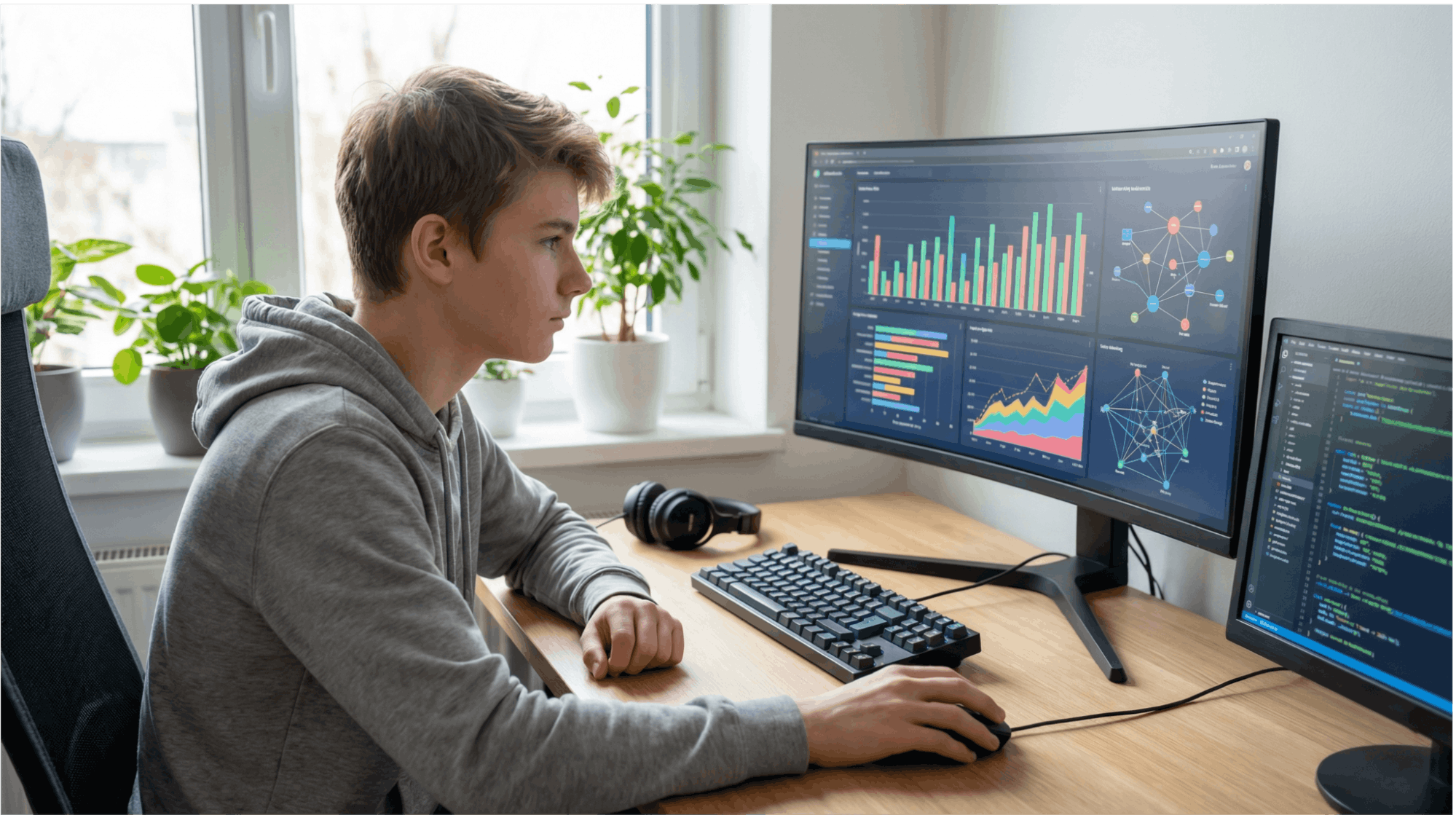
The biggest change is that Python now officially supports "free-threaded" execution. Before, Python was great at pretending to do multiple things at once by switching between tasks very quickly. Now, it can actually do multiple things in parallel.
What this means for young coders:
The interactive mode — where you type code directly into the console and see immediate results — got a major upgrade.
What's new:
This is a game-changer for learning. You no longer need to install extra tools to get a user-friendly coding experience; it all works right out of the box.
Python has always been praised for its clear error messages. In version 3.14, they're even more helpful.
Old Version (Python 3.13): SyntaxError: invalid syntax
New Version (Python 3.14): SyntaxError: expected ':' after 'if' condition | 3 | if x > 10 | ^ | Hint: Did you forget to add a colon?
Now, Python doesn't just tell you there's an error; it points to the exact spot and suggests how to fix it. This makes debugging much less frustrating for beginners.
Before: If you wrote a program to process 1,000 photos, old Python would do it one by one. This could take a long time.
Now: Python 3.14 can process multiple photos at once (for example, 10 at a time if your computer has 10 CPU cores). A task that took 10 minutes might now take only 1 minute.
When building a game with a library like Pygame, the old Python would struggle to juggle drawing graphics, handling physics, and playing sounds all at once. This could cause noticeable lag.
Now, these tasks can run in parallel, making your games run smoothly without any "freezes."
Imagine your chatbot receives 5 messages at the same time. Before, it would answer them one by one. Now, it can process all 5 messages simultaneously and reply to everyone almost instantly.

Upgrade now if:
It's okay to wait if:
CODDY's Recommendation:
● For new students: Start with Python 3.14. It's the best and most modern version for learning.
● For current students: Finish your current course, then upgrade. It only takes a few minutes.
Congratulations, you're ready to start coding with the fastest version of Python ever!
Python is constantly evolving. The developers are already planning for version 3.15 (expected in October 2026), which promises even more speed optimizations and better AI integration.
Python remains the #1 programming language in the world for a reason: it's easy to learn, incredibly powerful, and has a massive community behind it.
At CODDY, all our Python courses have been updated to use the new and improved Python 3.14. We offer project-based learning for kids and teens ages 10-17, covering everything from game development to AI.
Ready to see the power of Python 3.14 for yourself?
Sign up for a free trial lesson and write your first program with the support of our expert instructors.
Read also:
Python areas of application and secrets of learning
What you need to know about dictionaries in Python
Top 5 free Python lessons for 8-12 year olds