CODDY - официальный партнер AcerCODDY is official partner of Acer company

Лучший социальный проект года 2022Coddy Donate is participant in the competition of projects in the field of social entrepreneurship "The best social project of the year-2022”
Проект «Бесплатное обучение программированию для детей с особенностями развития и из детских домов» признан лучшим социальным онлайн-проектомThe charity project “Free coding classes for kids with special needs” is recognised as the Best social online project

Курсы CODDY сертифицированы в соответствии с европейскими стандартами и аккредитованы HiSTES (High School Teachers European Society)CODDY courses are certified in accordance with European standards and accredited by HiSTES (High School Teachers European Society)

CODDY – финалист международной премии #МЫВМЕСТЕ 2022 в номинации «Ответственный бизнес»CODDY is finalist of international award #MyVmeste 2022 in “Responsible business” nomination

CODDY – победитель премии GLOBEE® в категории Компания Года I ФраншизаCODDY is GOLD GLOBEE® WINNER in category Company of the Year | Franchise

Up

PowerPoint presentations

PowerPoint presentations

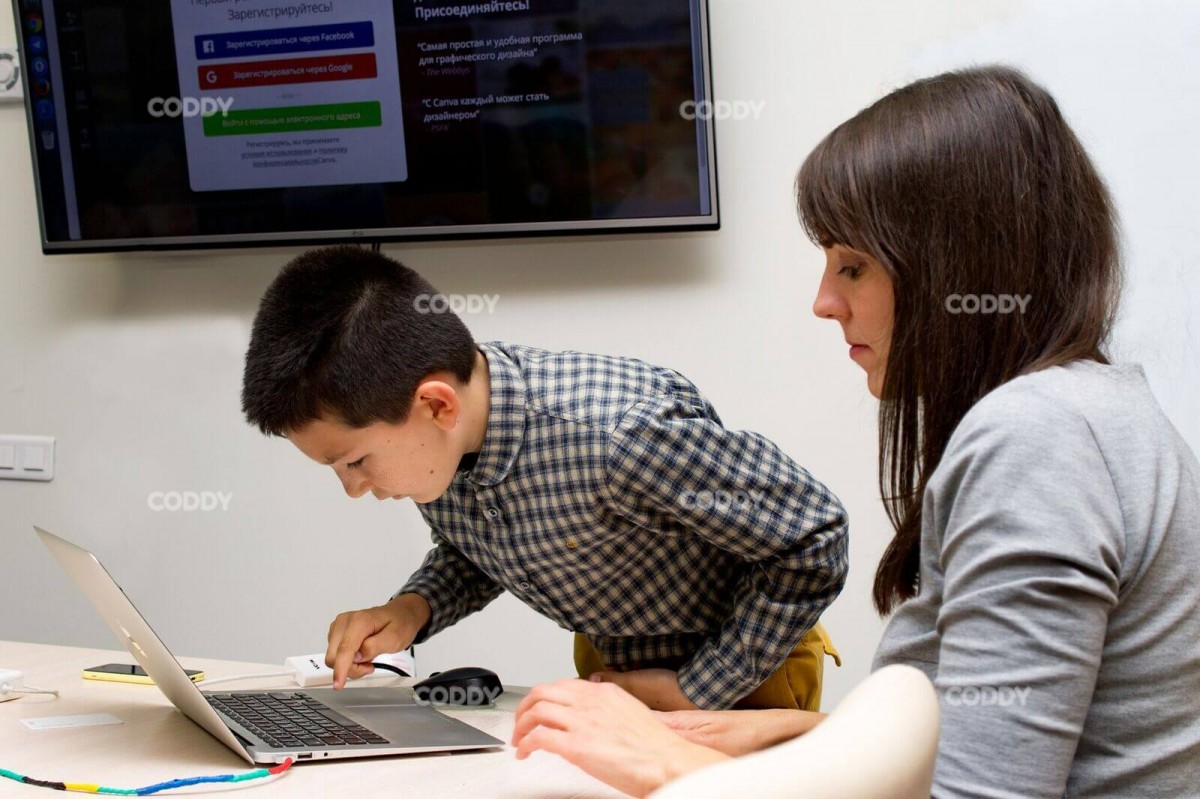
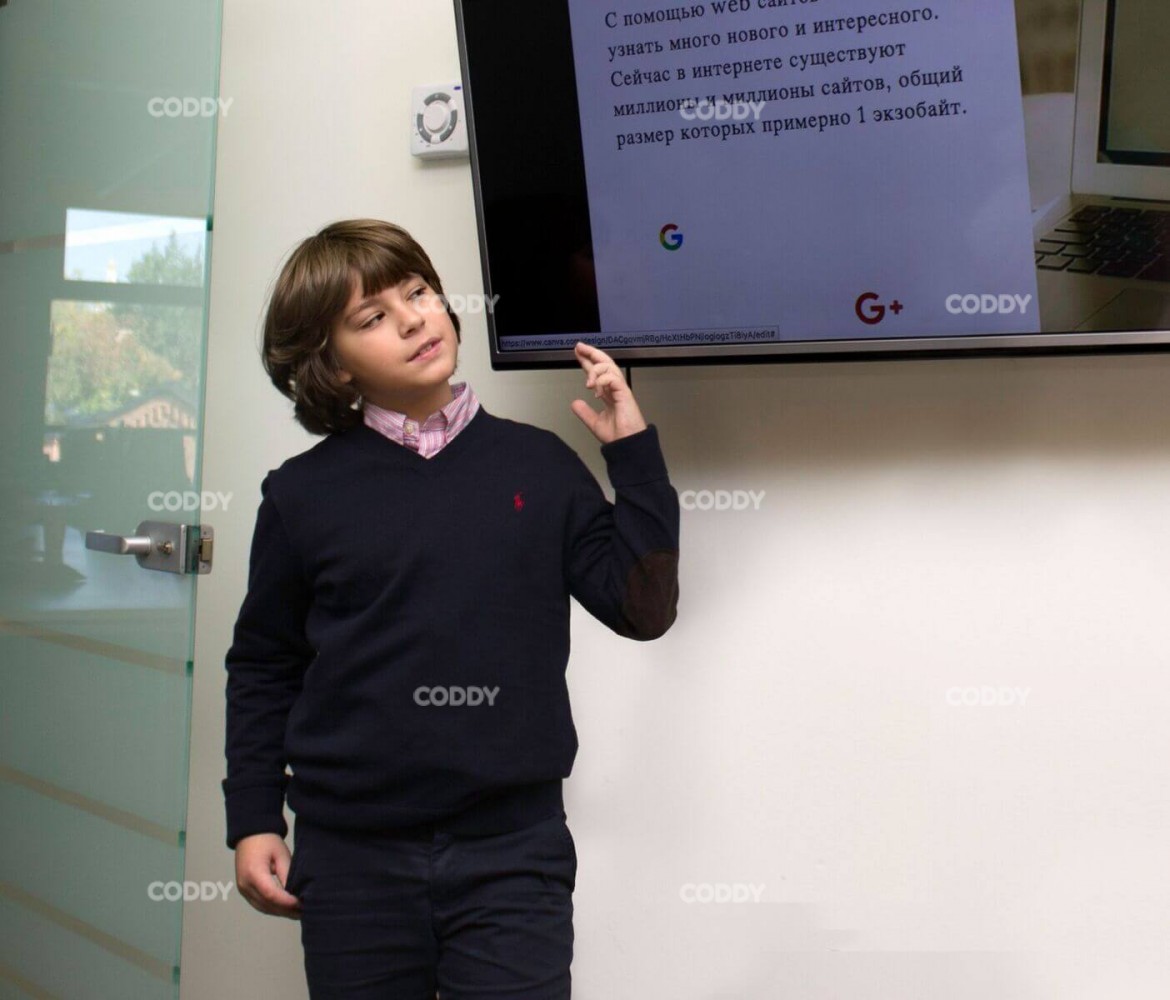
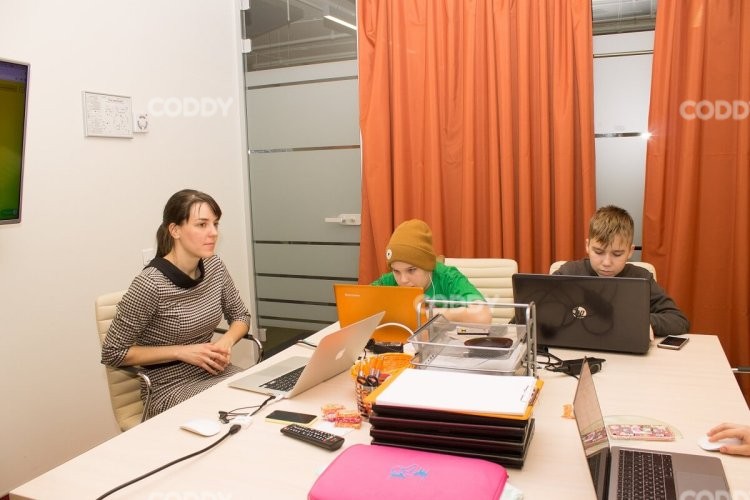
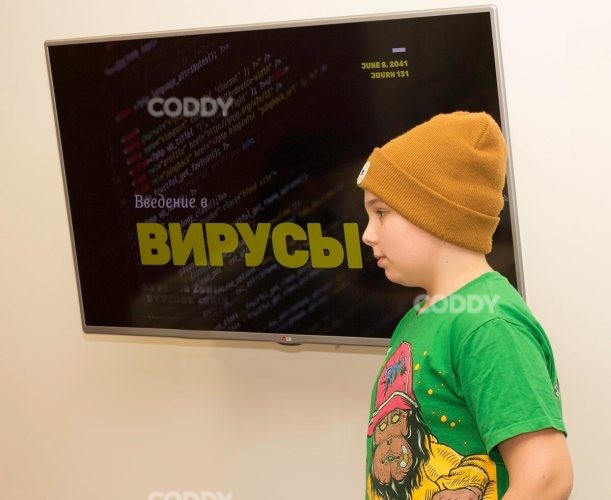
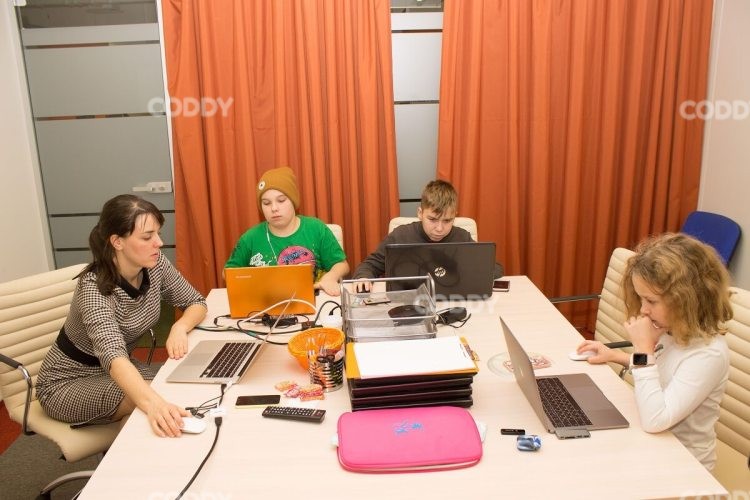
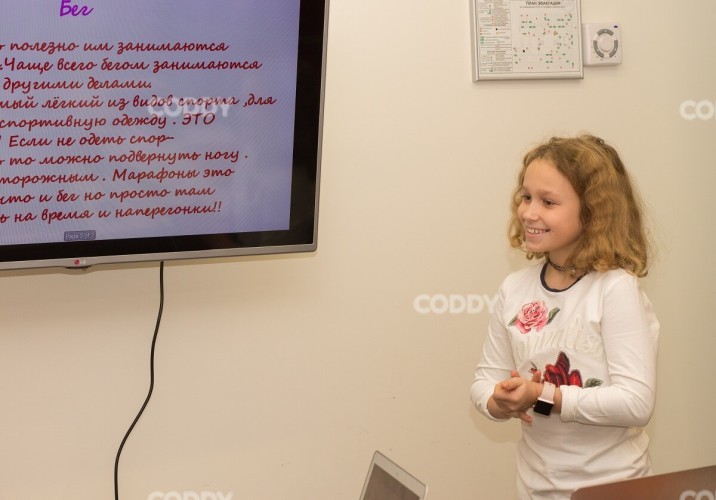
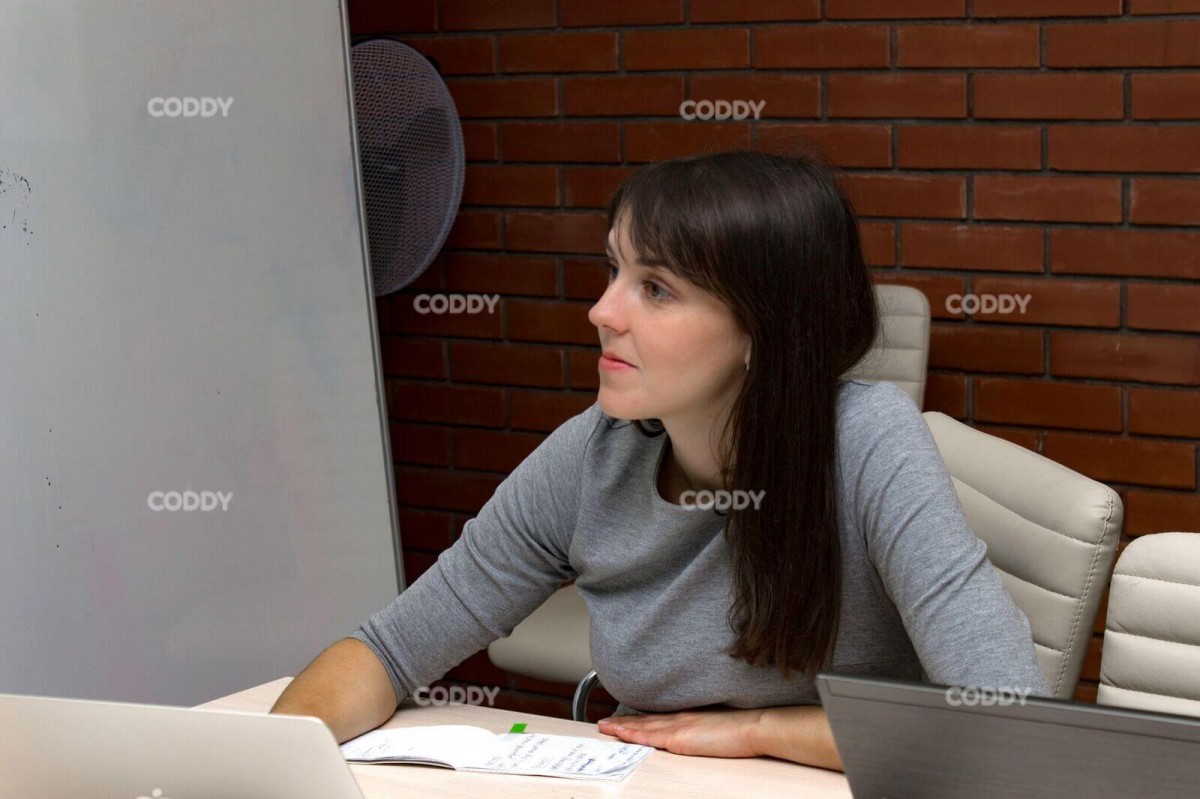
Presentations and public speaking have been in our lives for a long time already. Creating a presentation often are requiered during studying in school when preparing homework, making  reports at university when demonstrating work and personal business projects. Every area requires providing high quality information. Effective presentation is a kind of a visual dialog with the audience. Colorful and understandable presentation is the key to successful performance. Do you want to create professional, cool, catchy and successful presentations? Then we invite every CODDY kid aged fr om 10 to attend our “Creating presentations” course! We will teach teach kids to properly design a presentation and use all the functions of Canva service and PowerPoint program so that instead of presenting plain facts a kid can demonstrate bright and presentable slide-show.

What is presentation? The secrets of making successfull presentation.

In traditional sense a presentation is a form of communication with the audience through visual perception. This convenient and effective way to present the information became in wide use in marketing and PR areas. Computer presentations are one of the multimedia project types. They represent a particular sequence of slides and visuals, wh ere the demonstration is run by a user. Today it is the most popular way to deliver the information. Presentations requires thorough preparation. When creating presentations the following algorithm of actions is applied:

1. Theme choice and presentation goals formulation. The goal has to be real and short and to the point, preferably in one sentence.  

2. Compilation and systematization of material. The information has to be relevant, interesting and reply to the questions of the topic of presentation.

3. Development of precentation concept. Text and graphic material compiled is necessary to fix on the slides in accordance with a logic of presentation and its goals.

4. Development of presentation design. One of the most important steps of the process of creating presentations. The performance and its success is goint to depend on the design. Slides design should not distract the audience, it has to conform to the narrative structure and outline the main idea. Unfortunately, sometimes during the presentation good ideas can be lost in ordinary and boring design. In our classes of “Creating presentations” course we will focus on the art of presentation design. Kids will learn to properly use different fonts, color schemes, interactive, animated and multimedia effects.  

5. Slide making. All text is written in one style, font and color in accordance to the main design of presentation. Different elements of the slide are similar through the whole presentation and make finished harmonious composition.

6. Presentation testing. When preparing for presentation it is necessary to match the text for performance to slides in demonstration in order to check all elements of presentation and comfort of work with it.

Popular programs to create presentations.

There are different apps, programs and services to create various types of presentations – using text slides, videos, animation, music and voice audio and so on. In the first stage of our training course kids will get introduced with the wonderful Canva.com online-service, which allow everyone to solve different designer tasks without preparation, expensive program software and equipment. The advantages of Canva:

  • simplicity and comfort in use;
  • many free templates, fonts, backgrounds, images, photos, etc.;
  • the function to add own images;
  • beautiful charts and infographics;
  • the opportunity to share and work on presentation with others;
  • it opens in browser or can be downloaded as an app for iOS or Android for mobile presentations;
  • design projects and images added are on the cloud so that it is easy to work with them from different devices;
  • the opportunity to save your works in png и pdf.

Then we will get to popular PowerPoint presentation, which:

- has various funtions and untuitively understandable interface;

- allows to create presentations of different types;

- has a wide range of templates for design (from standard designs to creative ones);

- allows to place a photo, video, audio and animation in presentations;

- gives the opportunity to demostrate the information in the form of schemes, graphics, tables and charts.

What will «Creating presentations» course give your child?

Training program for creating presentations is held in enjoyable format under the guidance of experienced teacher. As a result of the course your child will learn to:

  • prepare for presentation – to create the general concept;
  • process the information and structure it properly;
  • choose the suitable design for presentation in PowerPoint and Canva.com;
  • understand which slides are of good quality and beautiful and how to make them clear with the help of graphic methods and other ways of visuals expression;
  • brighten the information using multimedia tools;
  • create beautiful presentation and perform impressively in front of the audience

… and also learn several secrets of successful performance and how to use them.

The course "Power Point Presentation" consists of 3 modules.

In Module 1 we get acquainted with Canva.com online constructor and learn:

  • basic rules for creating presentations
  • rules of creating a map of associations on a selected topic
  • rules of successful public speaking
  • How to choose and process information that is appropriate to the topic

In Module 2 we start learning about PowerPoint:

  • We learn the basic tools of the program and the rules of working with them
  • Learn the term "slide infographics
  • Learn keyboard shortcuts
  • practice public speaking

Module 3 is devoted to a deeper study of PowerPoint. During this time the children and I will:

  • learn to use and edit audio and video files
  • build charts and graphs
  • learn the laws of composition and animate objects.

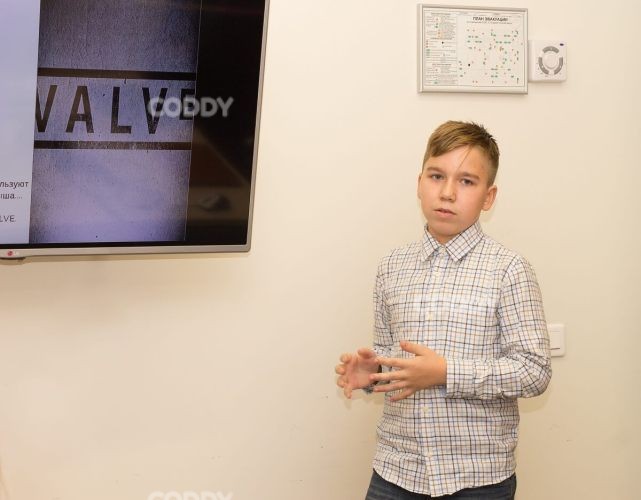
During the course your child will prepare a promotional presentation on a topic of interest to him or her and be able to present his or her work.

We don't just teach the students to work in concrete programs and services, we teach them how to look at the presentation as a designer and create high-quality content, as well as to publicly present of their projects. The ability to create high-quality, bright and successful presentations is a useful skill that will come in handy for kids now and in the future.

Please make sure your computer is suitable for the course.

Instructions for installing the software for the course "Power Presentation Point" course.

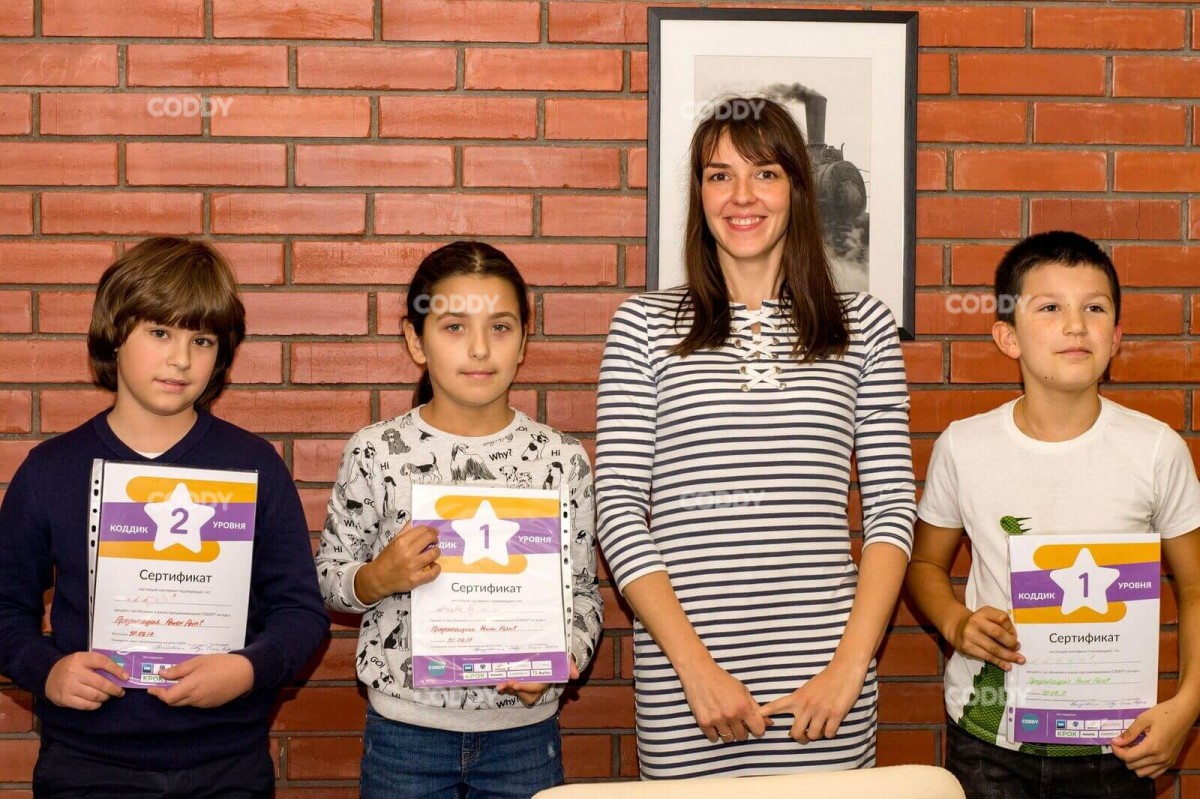
At the end of the course, each student receives a personal certificate from CODDY.
Today this course was viewed by21 people
PowerPoint presentations

Age:7-12

Level:

beginner

Course duration:

from 3 modules (months), from 24 hours*

Format:

individually online

Price:

from $19.5/hr individually online.

*The course is designed for children 7 years and older. However, depending on your child's level and interests, the age may vary. Also, keep in mind that children of different ages may have different preferences for teaching methods and may require an individualized approach.
Cost courses
Inspired by technology.
Developed by programmers.

Our classes

Sign up for a course
Registration completed successfully!
An error occurred. Please inform the administrator
You have sent many applications. try later
Your name and surname
This field is required
Your phone
+1
  • Russian Federation (Российская Федерация)+7
  • Belarus(Беларусь)+375
  • Afghanistan(افغانستان)+93
  • Åland Islands+358
  • Albania(Shqipëri)+355
  • Algeria(الجزائر)+213
  • American Samoa+1
  • Andorra+376
  • Angola+244
  • Anguilla+1
  • Antarctic+672
  • Antigua and Barbuda+1 (268)
  • Argentina+54
  • Armenia(Հայաստան)+374
  • Australia+61
  • Austria(Österreich)+43
  • Azerbaijan(Azərbaycan)+994
  • Bahamas+1 (242)
  • Bahrain(البحرين)+973
  • Bangladesh(বাংলাদেশ)+880
  • Barbados+1 (246)
  • Belgium(België)+32
  • Belize+501
  • Benin(Bénin)+229
  • Bolivia+591
  • Bosnia and Herzegovina+387
  • Botswana+267
  • Brazil+55
  • Brunei+673
  • Bulgaria(България)+359
  • Burkina Faso+226
  • Burundi(Uburundi)+257
  • Cambodia(កម្ពុជា)+855
  • Cameroon(Cameroun)+237
  • Canada+1
  • Cape Verde(Kabu Verdi)+238
  • Central African Republic+236
  • Chad(Tchad)+235
  • Chile+56
  • China(中国)+86
  • Colombia+57
  • Comoros(جزر القمر)+269
  • Cook Islands+682
  • Costa Rica+506
  • Croatia(Hrvatska)+385
  • Cuba+53
  • Cyprus(Κύπρος)+357
  • Czech(Česká republika)+420
  • Denmark(Danmark)+45
  • Djibouti+253
  • Dominica+1 (767)
  • Dominican Republic(República Dominicana)+1
  • DR Congo+243
  • Ecuador+593
  • Egypt(مصر))+20
  • Equatorial Guinea(Guinea Ecuatorial)+240
  • Eritrea+291
  • Estonia(Eesti)+372
  • Ethiopia+251
  • Fiji+679
  • Finland+358
  • France+33
  • Gabon+241
  • Gambia+220
  • Georgia(საქართველო)+995
  • Germany+49
  • Ghana+233
  • Great Britain+44
  • Greece+30
  • Grenada+1 (473)
  • Guatemala+502
  • Guinea(Guinea Ecuatorial)+240
  • Guyana+592
  • Haiti+509
  • Honduras+504
  • Hong Kong(香港)+852
  • Hungary+36
  • Iceland+354
  • India(भारत)+91
  • Indonesia+62
  • Iran+98
  • Iraq(العراق))+964
  • Ireland+353
  • Israel(ישראל)+972
  • Italy(Italia)+39
  • Jamaica+1
  • Japan(日本)+81
  • Jordan+962
  • Kazakhstan+7
  • Kenya+254
  • Kiribati+686
  • Kuwait(الكويت)+965
  • Kyrgyzstan(Кыргызстан)+996
  • Laos(ລາວ)+856
  • Latvia(Latvija)+371
  • Lebanon(لبنان)+961
  • Lesotho+266
  • Liberia+231
  • Libya(ليبيا)+218
  • Liechtenstein+423
  • Lithuania(Lietuva)+370
  • Luxembourg+352
  • Madagascar(Madagasikara)+261
  • Malawi+256
  • Malaysia+60
  • Maldives+960
  • Mali+223
  • Malta+356
  • Marshall Islands+692
  • Mauritania(موريتانيا)+222
  • Mauritius(Moris)+230
  • Mexico(México)+52
  • Micronesia+691
  • Moldova(Republica Moldova)+373
  • Monaco+377
  • Mongolia(Монгол)+976
  • Montenegro(Crna Gora)+382
  • Morocco(المغرب)+212
  • Mozambique(Moçambique)+258
  • Myanmar(Burma)+95
  • Namibia(Namibië)+264
  • Nauru+674
  • Nepal(नेपाल)+977
  • Netherlands(Nederland)+31
  • New Zealand+64
  • Nicaragua+505
  • Niger(Nijar)+227
  • Nigeria+234
  • Niue+683
  • North Korea+850
  • North Macedonia+389
  • Norway(Norge)+47
  • Oman+968
  • Pakistan+92
  • Palau+680
  • Panama+507
  • Papua New Guinea+675
  • Paraguay+595
  • Peru(Perú)+51
  • Philippines+63
  • Poland(Polska)+48
  • Portugal+351
  • Qatar(قطر)+974
  • Romania(România)+40
  • Rwanda+250
  • Saint Kitts and Nevis+1 (869)
  • Saint Lucia+1 (758)
  • Saint Vincent and the Grenadines+1 (784)
  • Salvador+503
  • Samoa+685
  • San Marino+378
  • Sao Tome and Principe(São Tomé e Príncipe)+239
  • Saudi Arabia+966
  • Senegal(Sénégal)+221
  • Serbia(Србија)+381
  • Seychelles+248
  • Sierra Leone+232
  • Singapore+65
  • Slovakia(Slovensko)+421
  • Slovenia(Slovenija)+386
  • Solomon Islands+677
  • Somalia(Soomaaliya)+252
  • South Africa+27
  • South Sudan+211
  • Spain(España)+34
  • Sri Lanka(ශ්‍රී ලංකාව)+94
  • Sudan+211
  • Suriname+597
  • Sweden(Sverige)+46
  • Switzerland(Schweiz)+41
  • Syria+963
  • Tajikistan+992
  • Tanzania+255
  • Thailand(ไทย)+66
  • The Republic of Korea(대한민국)+82
  • Togo+228
  • Tonga+676
  • Trinidad and Tobago+1 (868)
  • Tunisia+216
  • Turkey(Türkiye)+90
  • Turkmenistan+993
  • Tuvalu+688
  • Uganda+256
  • Ukraine(Україна)+380
  • United Arab Emirates+971
  • Uruguay+598
  • USA+1
  • Uzbekistan(Oʻzbekiston)+998
  • Vanuatu+678
  • Vatican(Città del Vaticano)+39
  • Venezuela+58
  • Vietnam+84
  • Virgin Islands+1
  • Yemen(اليمن)+967
  • Zambia+260
  • Zimbabwe+263
This field is required
Your e-mail
Invalid e-mail entered
Registration completed successfully!
An error occurred. Please inform the administrator
You have sent many applications. try later
Your name and surname
This field is required
My city
This field is required
Your e-mail
Invalid e-mail entered
Message
This field is required
Pre-entry
Registration completed successfully!
An error occurred. Please inform the administrator
You have sent many applications. try later
Your name and surname
This field is required
Child's name
This field is required
My city
This field is required
Your phone
This field is required
Your e-mail
Invalid e-mail entered
Start month
October 2026
November 2026
December 2026
Request a call
Thank you, the administrator will contact you as soon as possible.
Something went wrong, try to send the request later.
You have sent many applications. try later
Your name and surname
This field is required
Your phone
+1
This field is required
Something went wrong, try to send the request later.
You have sent many applications. try later
Your name and surname
This field is required
Your phone
This field is required
Order certificate
Thank you, the administrator will contact you as soon as possible.
Something went wrong, try to send the request later.
You have sent many applications. try later
Your name and surname
This field is required
My city
This field is required
Your phone
This field is required
Your e-mail
Invalid e-mail entered
Pay for the classes
Thank you!
Registration form is submitted, manager will contact you shortly!
An error occurred. Please inform the administrator
You have sent many applications. try later
Name and surname of the child
This field is required
Your e-mail
Invalid e-mail entered
The amount of payment
Please type an integer number
Give feedback
Thank you for your feedback.
Something went wrong, try to send the request later.
You have sent many applications. try later
Your name and surname
This field is required
Your photo
Your e-mail
Invalid e-mail entered
Rate us
Review
This field is required
Registration completed successfully!
Close
For registration and with any questions, please contact us by phone +46 76-584 77 40 or email [email protected]
Close
Close
Выберите языкChoose a languageТілді таңдаңызВиберіть мовуSélectionnez la langueSprache wählen
Choose a language
RU
EN
KZ
UA
FR
DE
OK
Preview